Appearance
Make your first annotations
Step 6 of 12. ← Previous · Next →
An annotation is one label on one time range, and it is the raw data of your study. You make one by dragging on a track, then picking the value you mean.
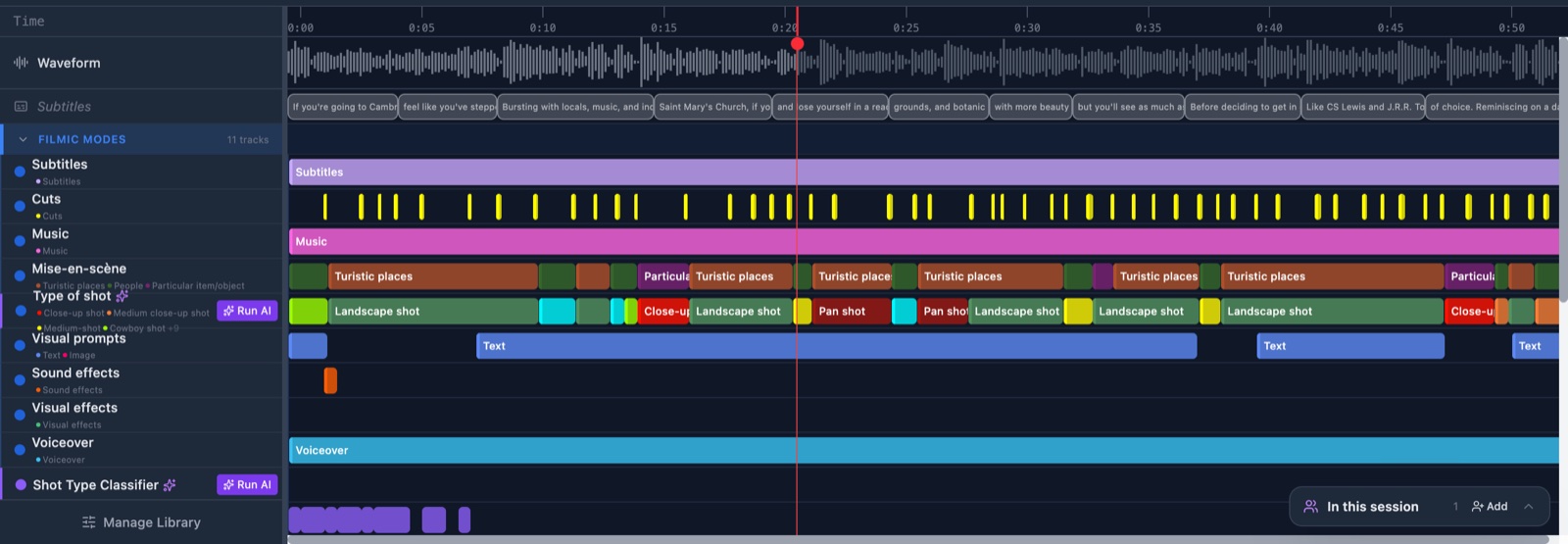
Do it: Create an annotation by dragging
When you finish, your first colored bars sit on the timeline, each with the value you picked.